
VDURA Brand
Assets.
Approved logos, color, typography, imagery, and B-roll for press, partners, and media. All assets are released under the VDURA Trademark & Usage Guidelines below — please follow them.
Logos & Wordmarks.
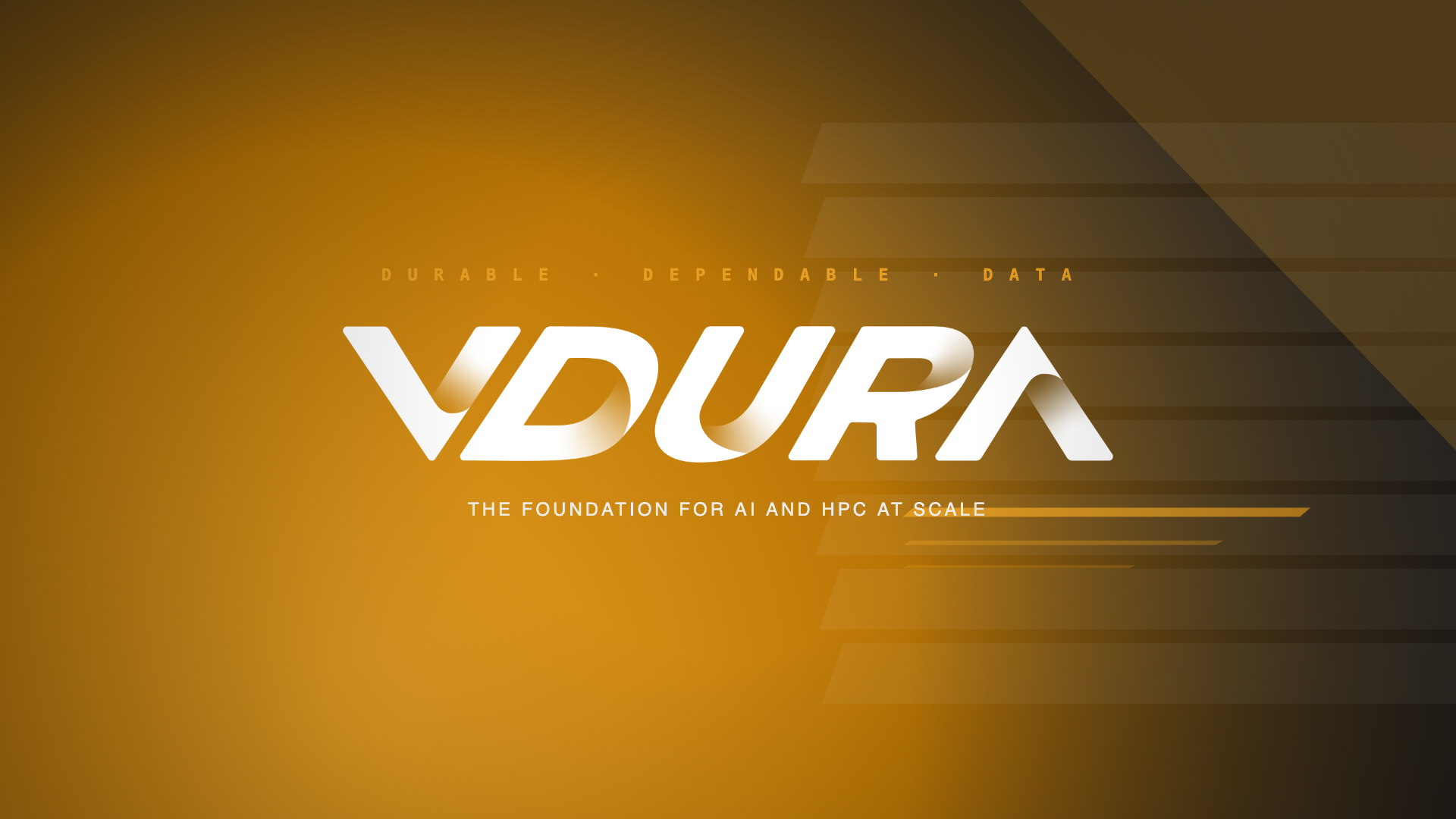
The full lockup is the default. Use the wordmark when space is constrained. Reserve the logomark (the VD monogram) for favicons, avatars, and secondary marks.






Official Colourways.
These are the official colourways for the logo. Do not use Carbon or Titanium gradients for print applications — instead use CMYK Black and CMYK White.

Choosing the Right Logo.
Always ensure enough contrast between the logo colourway and the background. Since the logo uses a gradient, there are light and dark versions of each colourway with corresponding gradient shadows. If using imagery in the background, place the logo on a solid black or white area.
Brand Color System.
Amber is the lettermark color — keep it sparing (~5% of any view). Carbon and Titanium anchor every layout. Click any swatch to copy its hex.
Amber
#E79F23 · CMYK 0 35 88 0
Amber Deep
#8B5F15 · Hover · gradient end
Carbon
#1F1F21 · Near-black
Titanium
#ECEDE9 · Warm off-white
Lapis
#2D419A · Editorial blue
Silver
#8B97A4 · Technical gray
Tourmaline
#F0464A · Alert · sparingly
Morganite
#F8DEC0 · Soft cream
Amber Gradient
#E79F23 → #8B5F15 · 135°
Silver Gradient
#ECEDE9 → #8B97A4 · 135°
Lapis Gradient
#4A63C4 → #2D419A · 135°
Typography.
Syne is the display face — heavy, tight-tracked, frequently uppercase, echoing the wordmark's cut-corner geometry. Red Hat Display carries body and UI.
Velocity +
Durability.
- Family
- Syne, 400 / 700 / 800
- Tracking
- −2% display, −1% headlines
- Use
- Headlines, eyebrows, statements
- Don't
- Body copy or sub-16px UI
Flash-first performance, erasure-coded durability, unmatched economics.
- Family
- Red Hat Display 400–700
- Leading
- 1.55 body · 1.25 UI
- Use
- Body, UI, captions
- Sibling
- Red Hat Text · sub-14px
Clearspace & Minimum Size.
Always reserve clearspace equal to the cap-height of the wordmark on every side. Never lock up logo with other marks without written approval.
Measure clearspace using the V.
Clearspace is the minimum area around the logo that should be free of any distracting elements. Hold this clearspace from typography, edges, image content, and any other graphic element — for both web and print materials.
Minimum reproduction size: 96px wide on screen, 24mm wide in print. Below that, switch to the VD logomark.



Logo Misuse.
To maintain consistency across the brand, do not stretch, warp, add effects, or rearrange the standard logos in any way.
Stretch the logo.
Add effects (shadow, glow, bevel) to the logo.
Outline the logo.
Place the logo on a busy or low-contrast background.
Distort or warp the logo.
Change the size of certain letters.
Use any of the secondary or accent colours in the logo.
Partner Lockups.
When pairing with a partner logo, ensure there is clearspace and a 1px or 2px dividing line. If a partner logo is much taller, optically adjust both so they have equal weight.
Partner
Partner123Partner
Usage Do's and Don'ts.
Following these rules keeps the VDURA mark consistent and trademark-safe across press, partner, and product surfaces.
- Use the amber lockup on light surfaces and the titanium wordmark on dark surfaces.
- Reserve at least one cap-height of clearspace on every side of the mark.
- Pair Syne (display) with Red Hat Display (body) — never substitute either.
- Use approved imagery and B-roll only — request new shoots through Emily@prsense.global.
- Reference the company as VDURA (all caps) on first mention.
- Don't recolor, outline, or apply effects to the mark.
- Don't stretch, rotate, or skew the lockup or logomark.
- Don't place the mark on busy imagery without sufficient contrast or a flat plate.
- Don't use the legacy "Panasas" wordmark in current materials — VDURA only.
- Don't add taglines or descriptors directly inside the lockup.
Full Brand Kit — One ZIP.
Logos (SVG, PNG, JPG), color tokens, typeface kit, full Brand & Trademark Guidelines PDF, B-roll, and product imagery.
Press & Partnerships.
Need something not on this page — an interview, custom imagery, or a co-marketing review? Reach out — we usually respond within one business day.
Analyst & Industry Relations
Briefings, market data, customer references for analyst reports.
info@vdura.comCo-Marketing & Partners
Partner logo lockups, joint events, and trademark approvals.
partners@vdura.comTrademark Notice
VDURA, the VDURA logomark, the VDURA Data Platform, VDP, and all related names and logos are trademarks or registered trademarks of VDURA, Inc. in the United States and other countries.
All third-party trademarks referenced are the property of their respective owners. The legacy Panasas wordmark is retired and should not appear in current communications.
Permitted Use
Assets on this page may be used by accredited press, analysts, customers, and authorized partners to identify VDURA in editorial, news, and analyst contexts. Modification, recoloring, or use that implies endorsement, partnership, or sponsorship without prior written approval is prohibited.
Last updated · April 14, 2026 · Brand Kit v3.2