
13. Account, Help, and About
13.1 User Menu
Clicking your name/email in the top bar shows your signed-in email and access level (e.g. “Standard access”), plus a Sign out link.
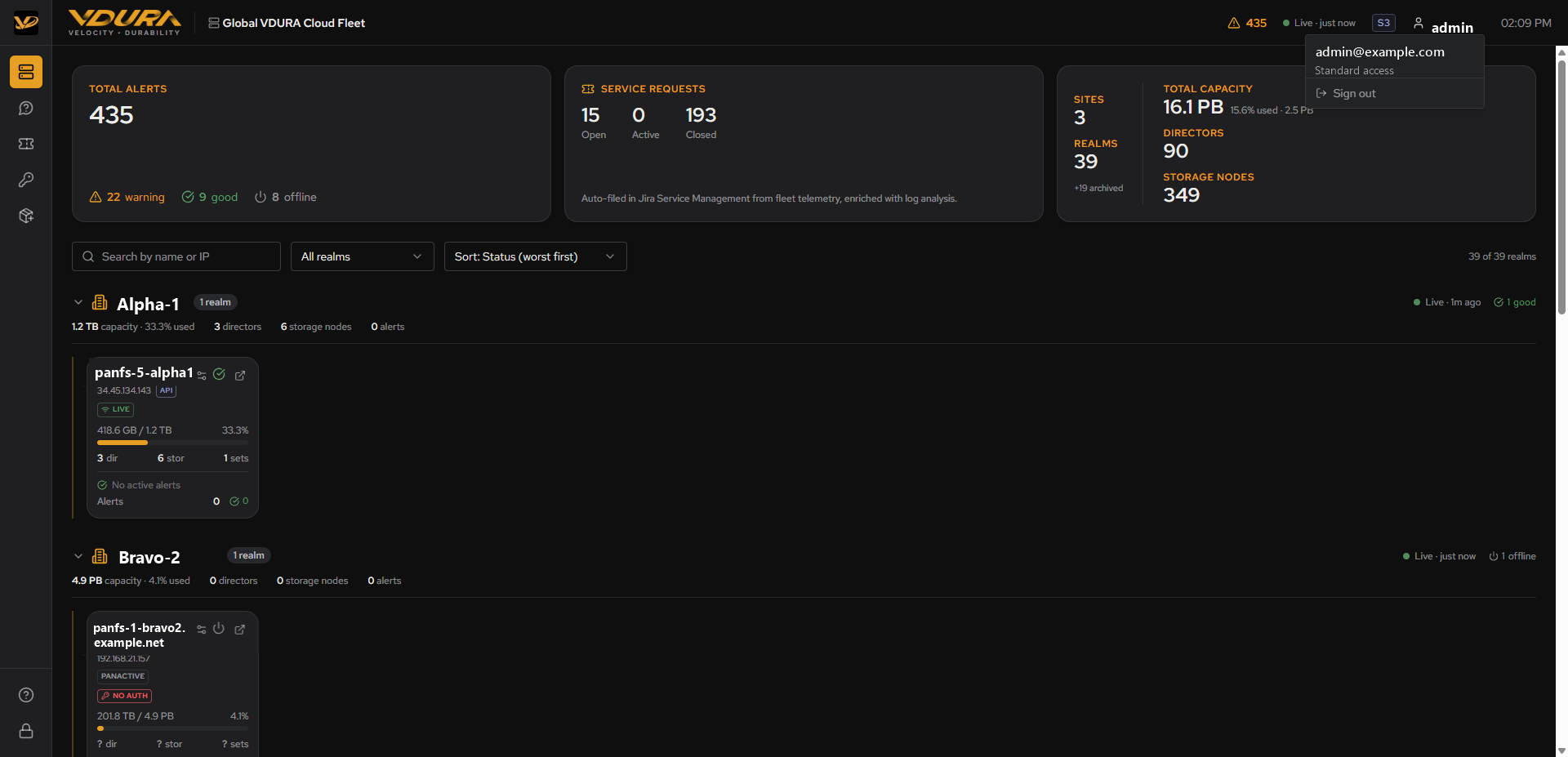 Figure 13.1. The user menu dropdown open: email, access level, and Sign out link.
13.2 Get Help
Sidebar item: Get Help. This page is shared VDURA product boilerplate (it reads “our product,” not “VDURA Sentinel”). It links to four resources, Terminology, User Guide, Installation & Service Guide, and Command Line Interface Guide, plus contact info for MyVDURA, support email, and toll-free numbers. None of these four links are VDURA Sentinel-specific.
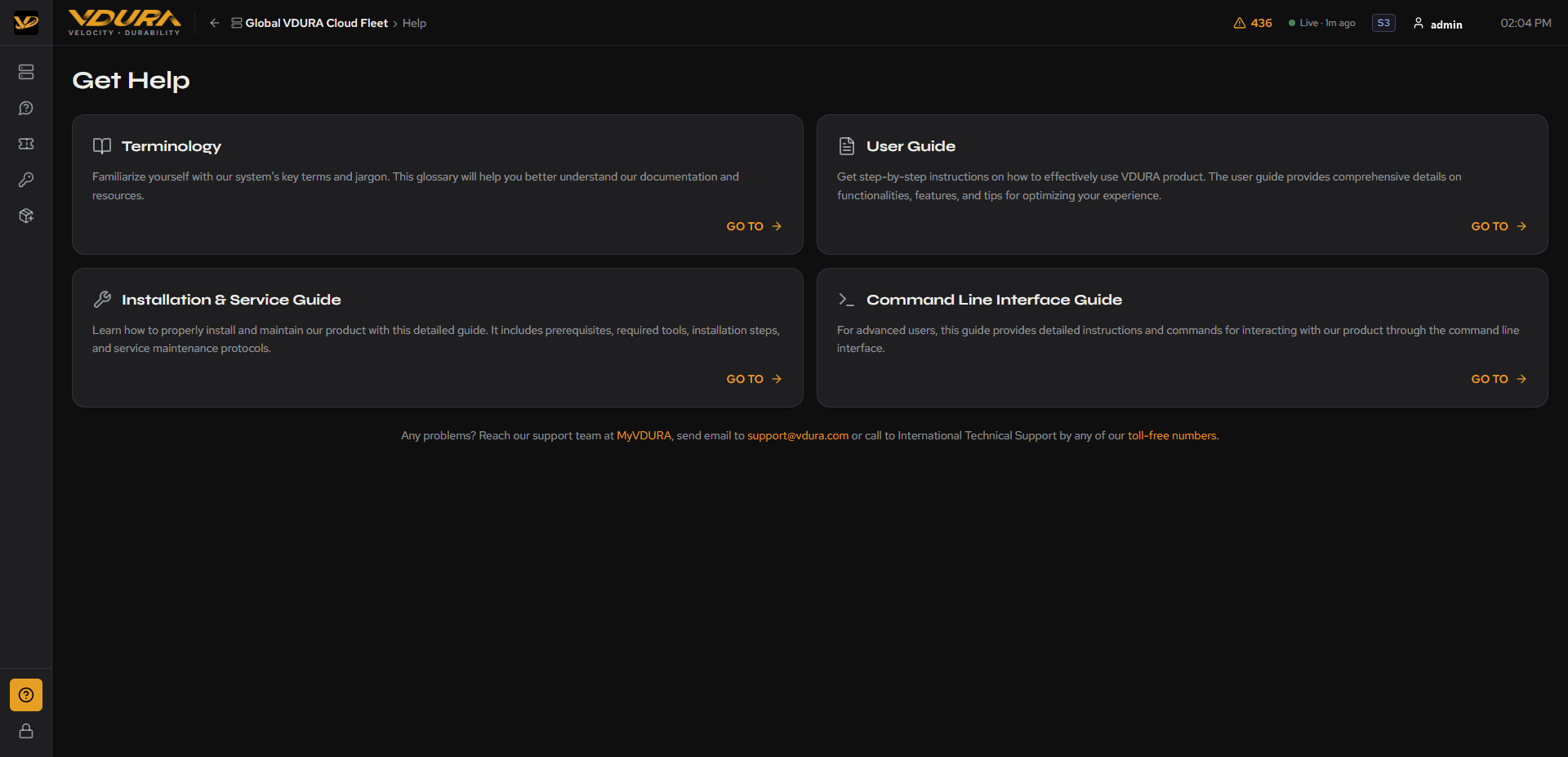 Figure 13.2. The full Get Help page: four resource cards plus contact footer.
13.3 About
Sidebar item: About. Like Vantage/PanActive Manager’s own About page, this screen is titled “About PanActive Manager”, a shared-component naming leftover, not a sign you’re looking at the wrong product. It shows:
- VERSION: VDURA Sentinel’s own build hash and build timestamp.
- API: The backend API build hash, timestamp, and mode (e.g. “s3 mode”, matches the mode badge in the top bar, 2.3).
- CUSTOMERS: The site identifiers VDURA Sentinel is currently configured for (e.g.
alpha-1,bravo-2,vdura-lab). - Copyright/legal footer, plus Terms & Conditions and Release Notes links.
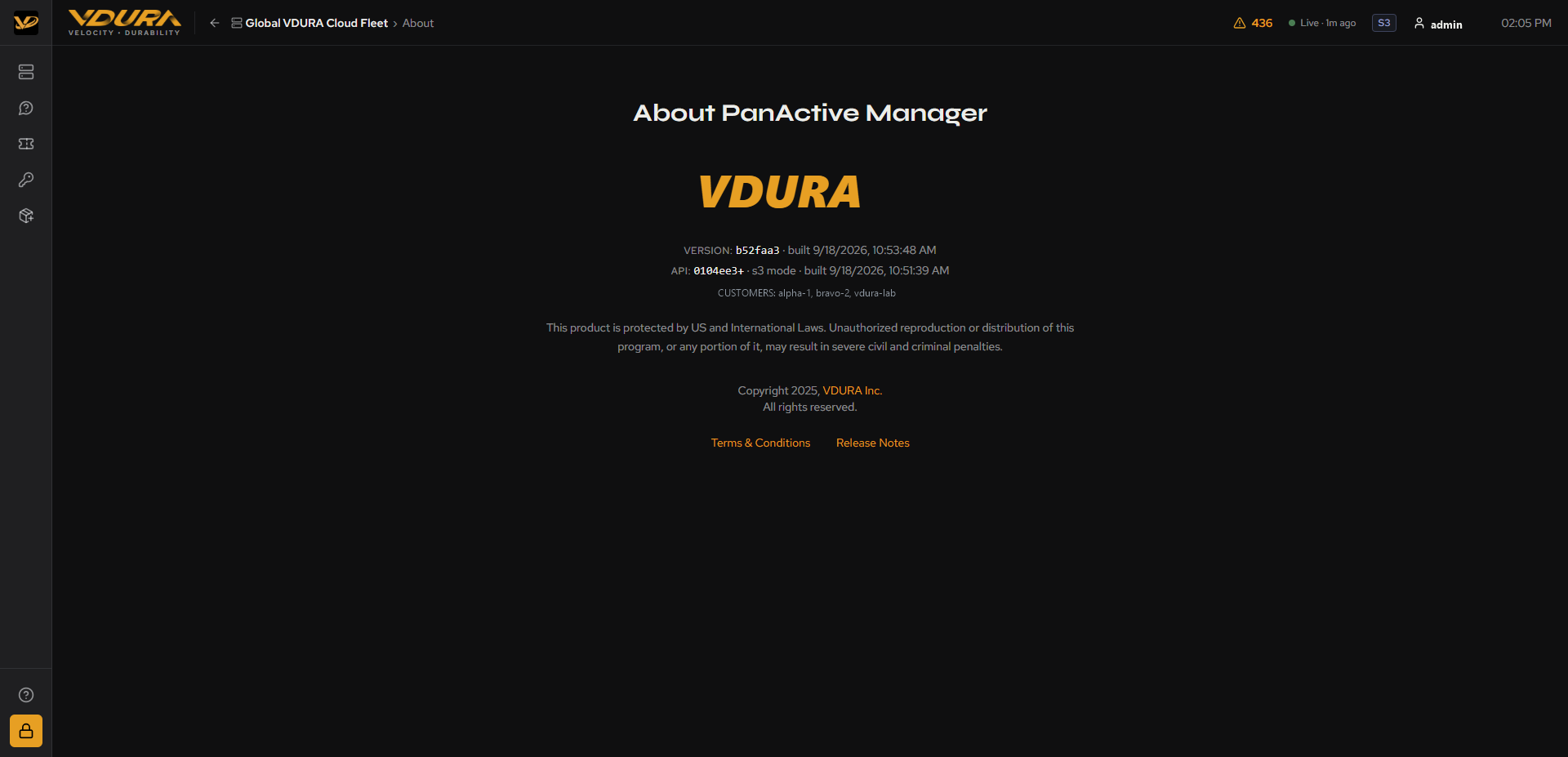 Figure 13.3. The full About page.