
10. Service Advisories, Release Notes, and Product Documentation
The bottom of the home page has three sections, each with a button that opens a page of files.
| Section | What its page holds |
|---|---|
| Service Advisories | Service advisory PDFs. |
| Release Notes | Release note PDFs, one per release. |
| Product Documentation | Product guides, such as installation and service guides, command reference guides, user guides, and end-of-availability notices. |
 Figure 10.1. The Service Advisories page.
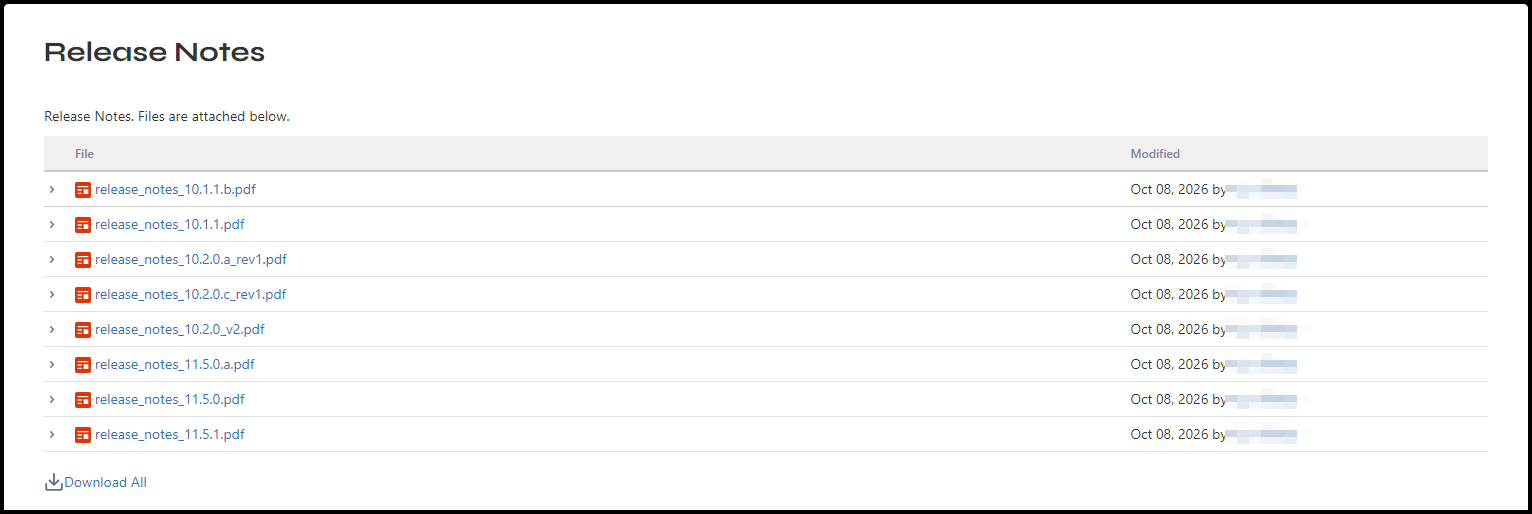 Figure 10.2. The Release Notes page.
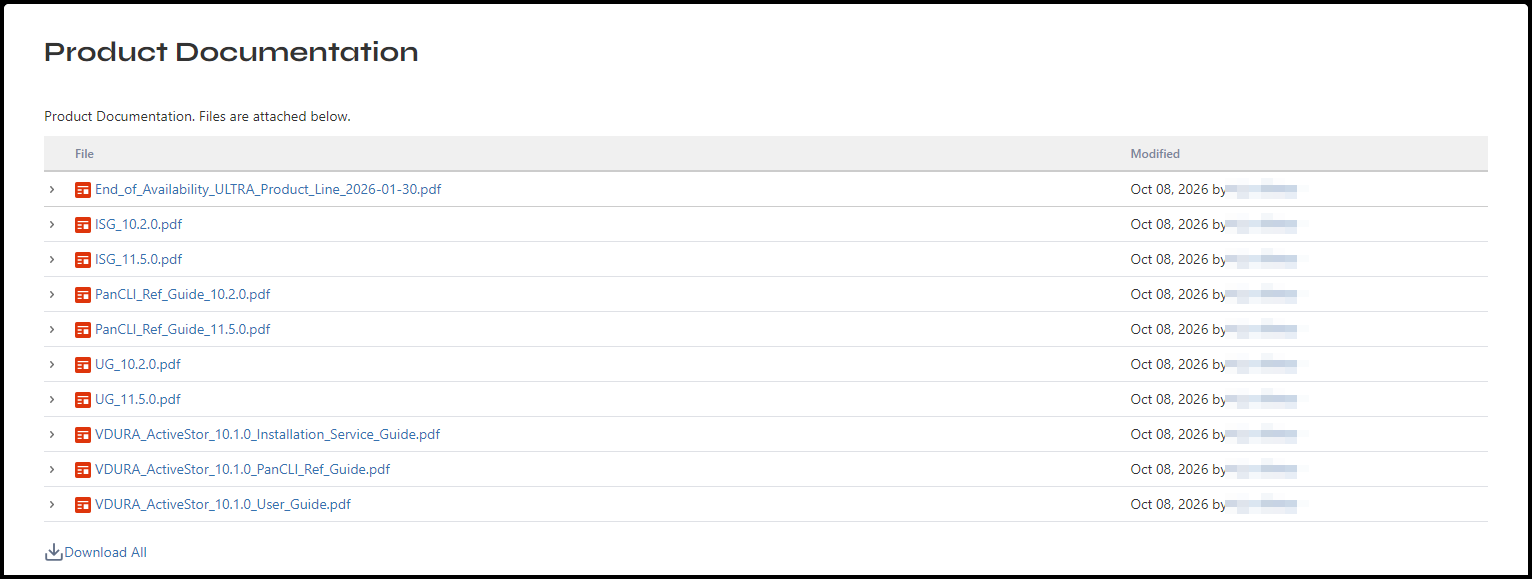 Figure 10.3. The Product Documentation page.
Each row shows a file’s name, as a link, and when and by whom it was last changed. A Download All link sits under the table. The file lists change as VDURA publishes new material, so the files you see may differ from the figures. To leave a file list, click Service Request Hub in the top bar, which opens the Service Request Hub page (see 6.3).
10.1 Service Advisories
Periodically, VDURA Global Services publishes Service Advisories to notify users regarding specific product, software version, or customer-wide usability issues that need rapid dissemination. Check the Service Advisories page from time to time.
10.2 Release Notes
Always review the release notes in detail before beginning any type of storage upgrade, to ensure you are aware of any issues for that specific release.
10.3 Product Documentation and End of Availability Notices
The Product Documentation page lists customer-facing VDURA product documentation. VDURA End of Availability (EoA) announcements are also posted there. Customers and partners should periodically check this page for product EoA announcements (see 15.1).