
11. Searching
11.1 Search the Portal
- Click the search icon in the top bar.
- Type a word or phrase.
- Choose a tab: Pages or Raise a Request.
The drop-down at the top right of the pop-up sets where to search.
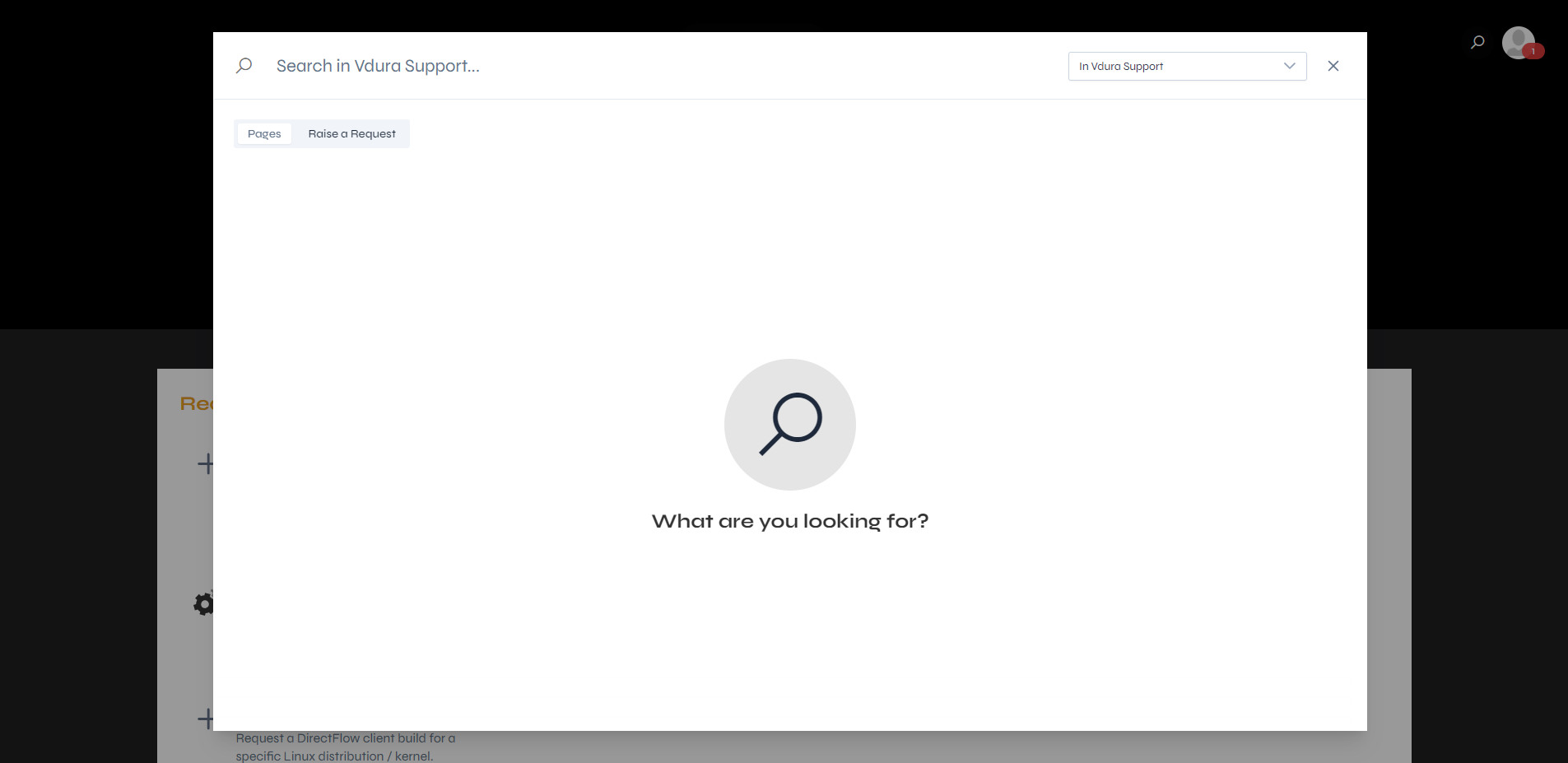 Figure 11.1. The search pop-up.
The Raise a Request tab lists matching request types, with your search word in bold in their descriptions.
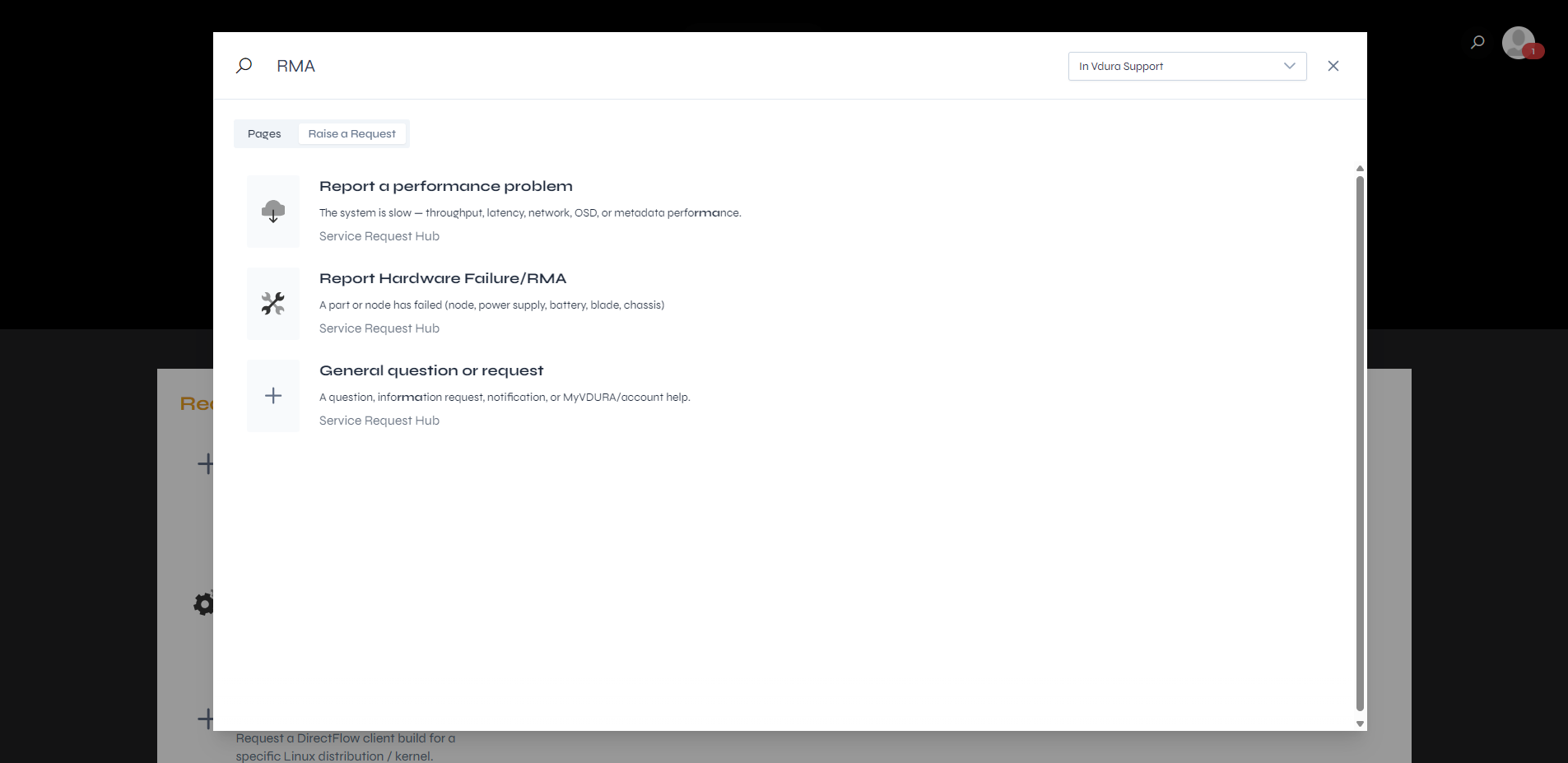 Figure 11.2. The Raise a Request results for “RMA”.
Search matches letters inside words as well. At the time of writing, searching for “RMA” found nothing under Pages. Under Raise a Request it found three request types: Report Hardware Failure/RMA, Report a performance problem (“performance” contains the letters), and General question or request (“information” does too).
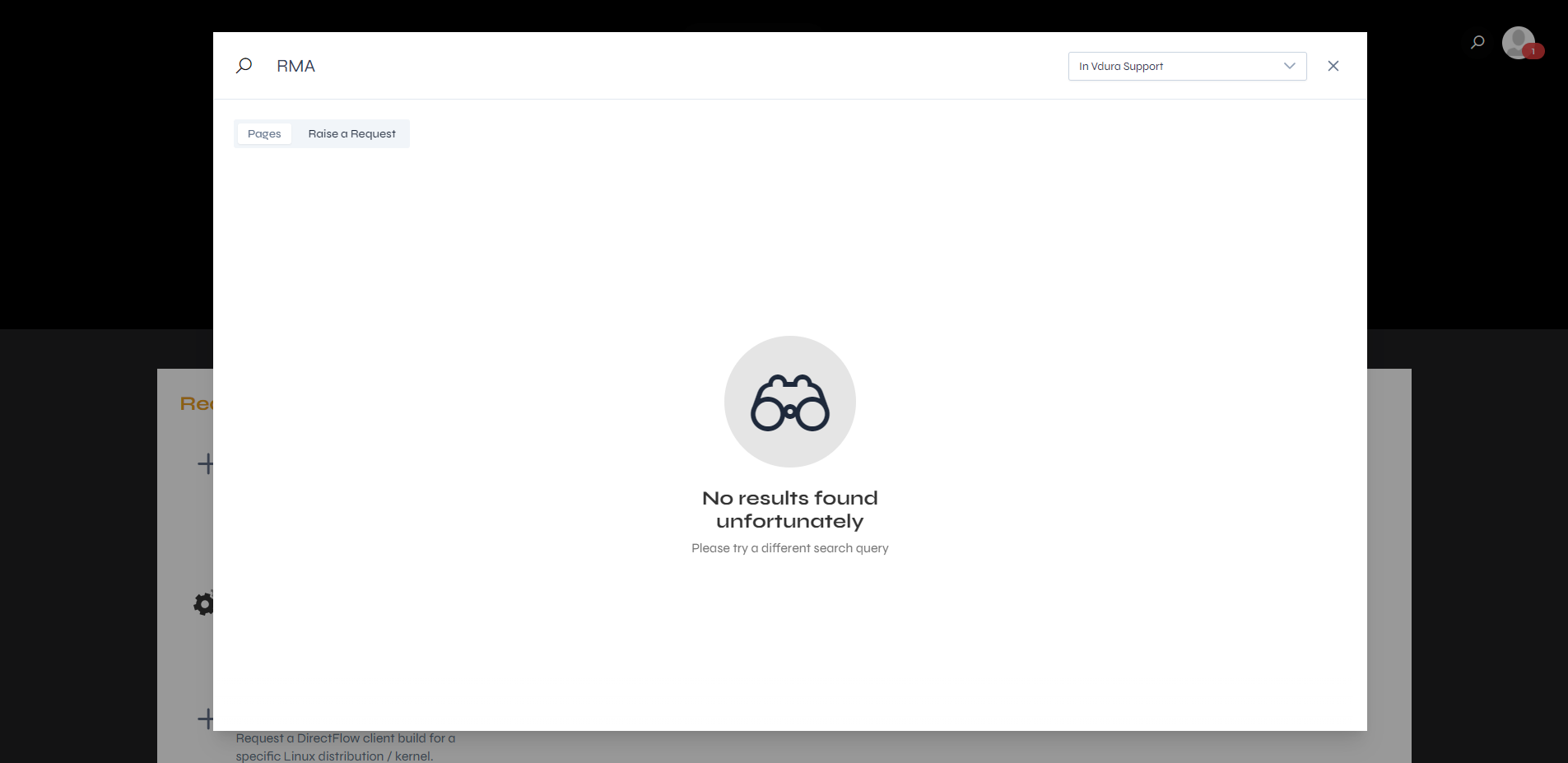 Figure 11.3. The Pages tab with no results.